NewMeet Work Day →
Do the things you saidyou would.
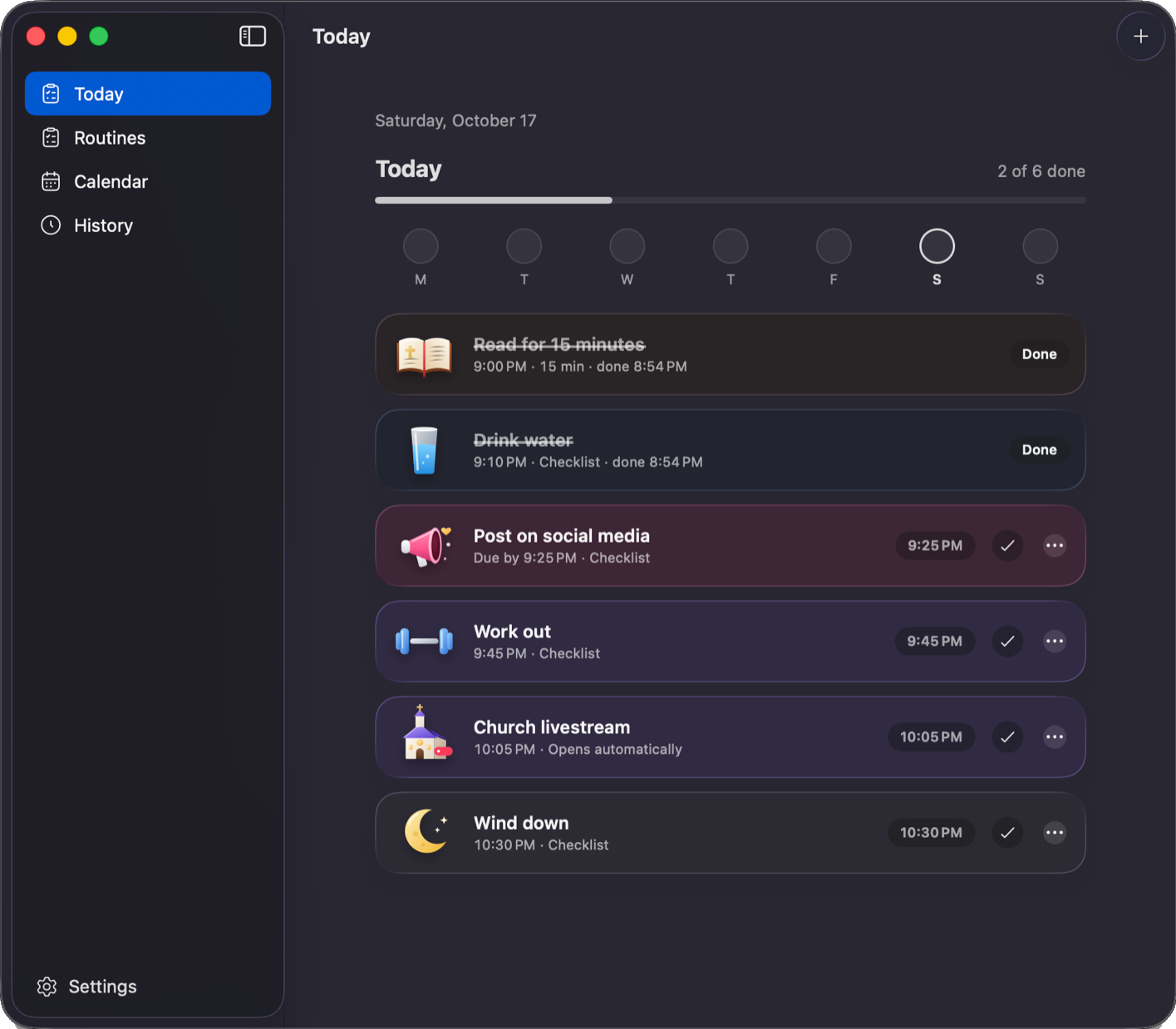
Routine is a Mac and Windows app for the few routines that matter to you. When one is due, a reminder stays on screen until you act on it.
Routine is a Mac and Windows app for the few routines that matter to you. When one is due, a reminder stays on screen until you act on it.
Works with apps you already use
Type something you want to do every day, or pick one. See the reminder Routine shows you.

Choose one for each routine.
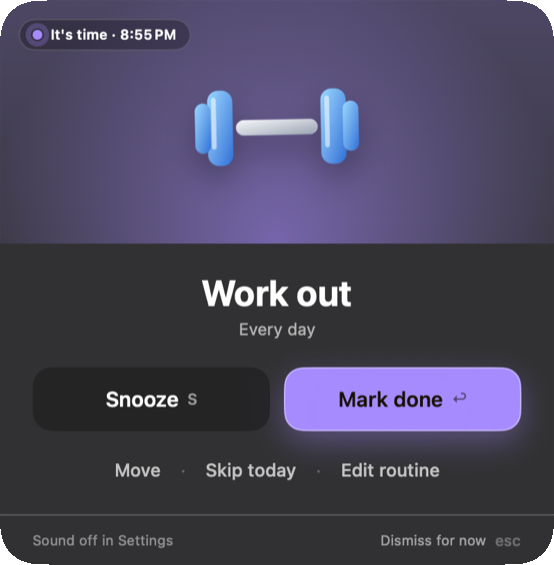
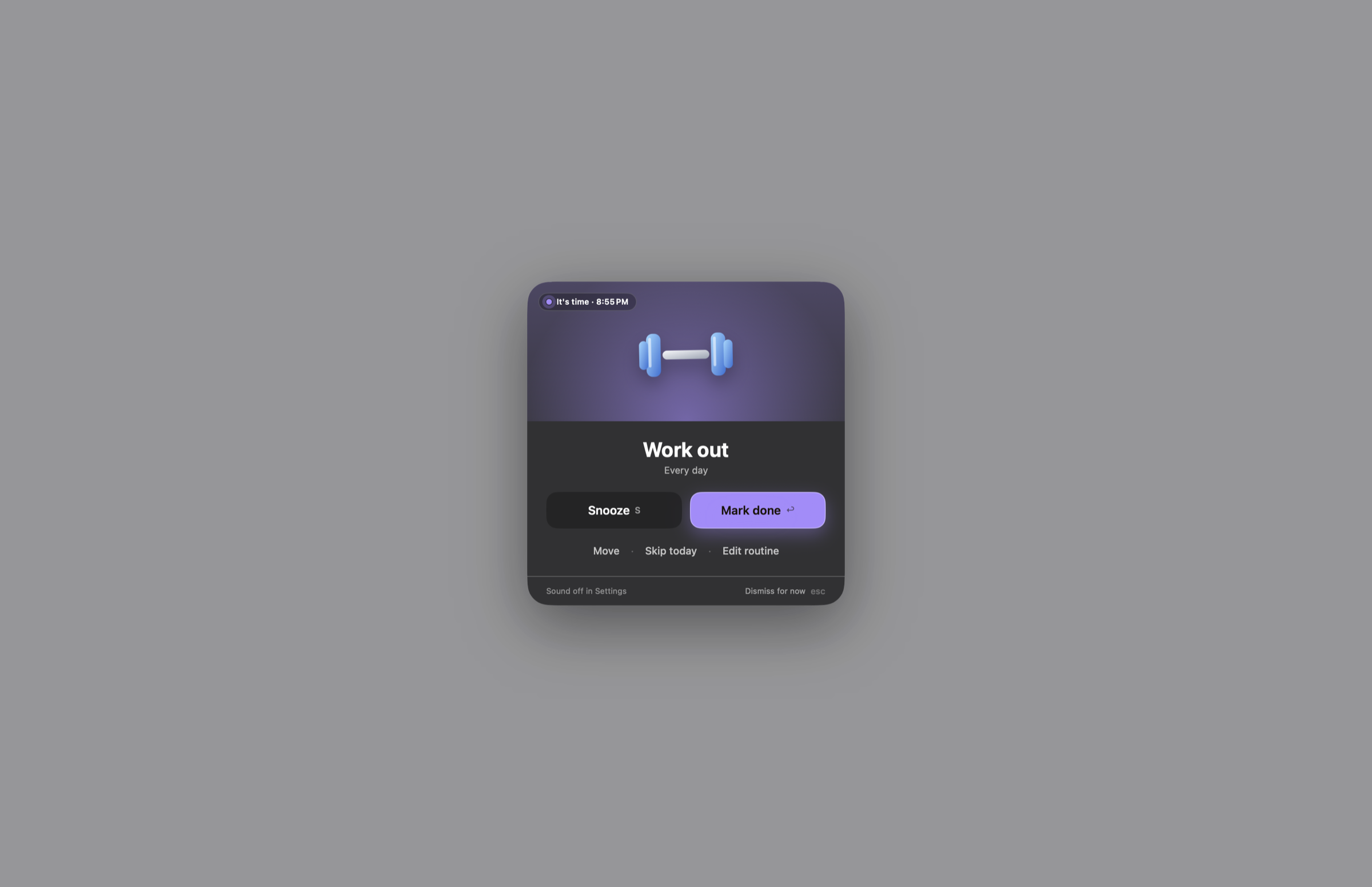
For routines you can't skip. A reminder covers your screen and a chime grows louder until you choose Mark done, Snooze or Move.
See it in action
For everything else. You get a regular notification, and today's list is in the notch when you point to it.
See the app→ Routine helps you post by 8 , read at noon  and make it to Wednesday service
  without leaning on willpower. It's the nudge that doesn't let go.
A card covers your screen and a chime slowly grows louder until you choose Mark done, Snooze, Move or Skip today.
Point to the notch to see what's left today. On Windows it's in the tray, by the clock.
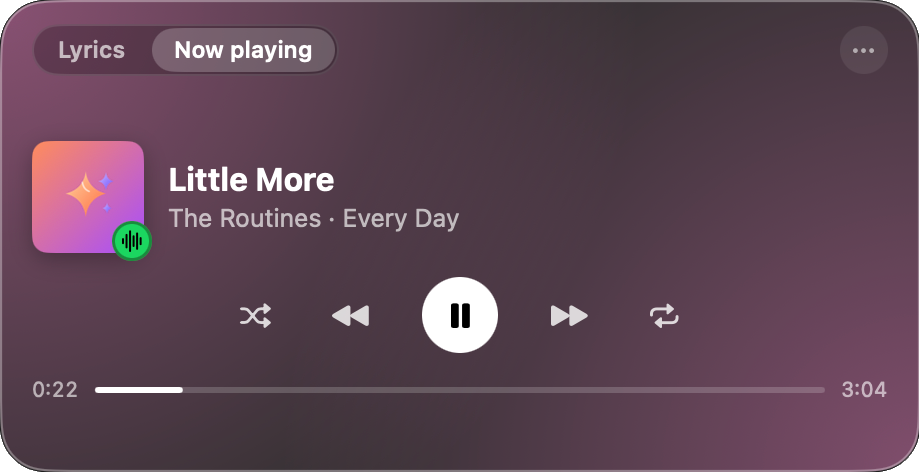
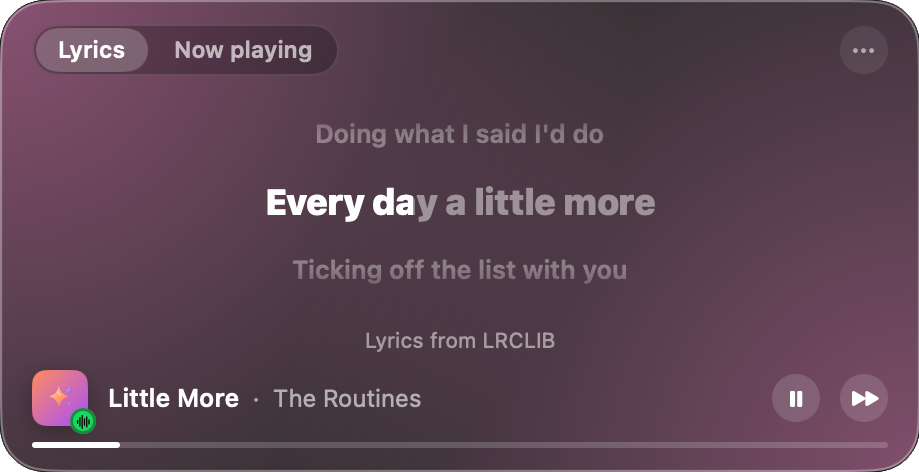
A small player floats over your work with the lyrics of what's playing, in time with the song.
On the Mac, if a routine overlaps an event, Routine suggests the next free time. It never changes your calendar.
Work in blocks and take real breaks. When a block ends, the screen locks and asks what you worked on.
Each answer you give at a break is saved to your work log. At the end of the day or month, copy it as text for a recap or a post.
Routines, settings and your week are in one window. Open it from the notch, the menu bar or the Windows tray.
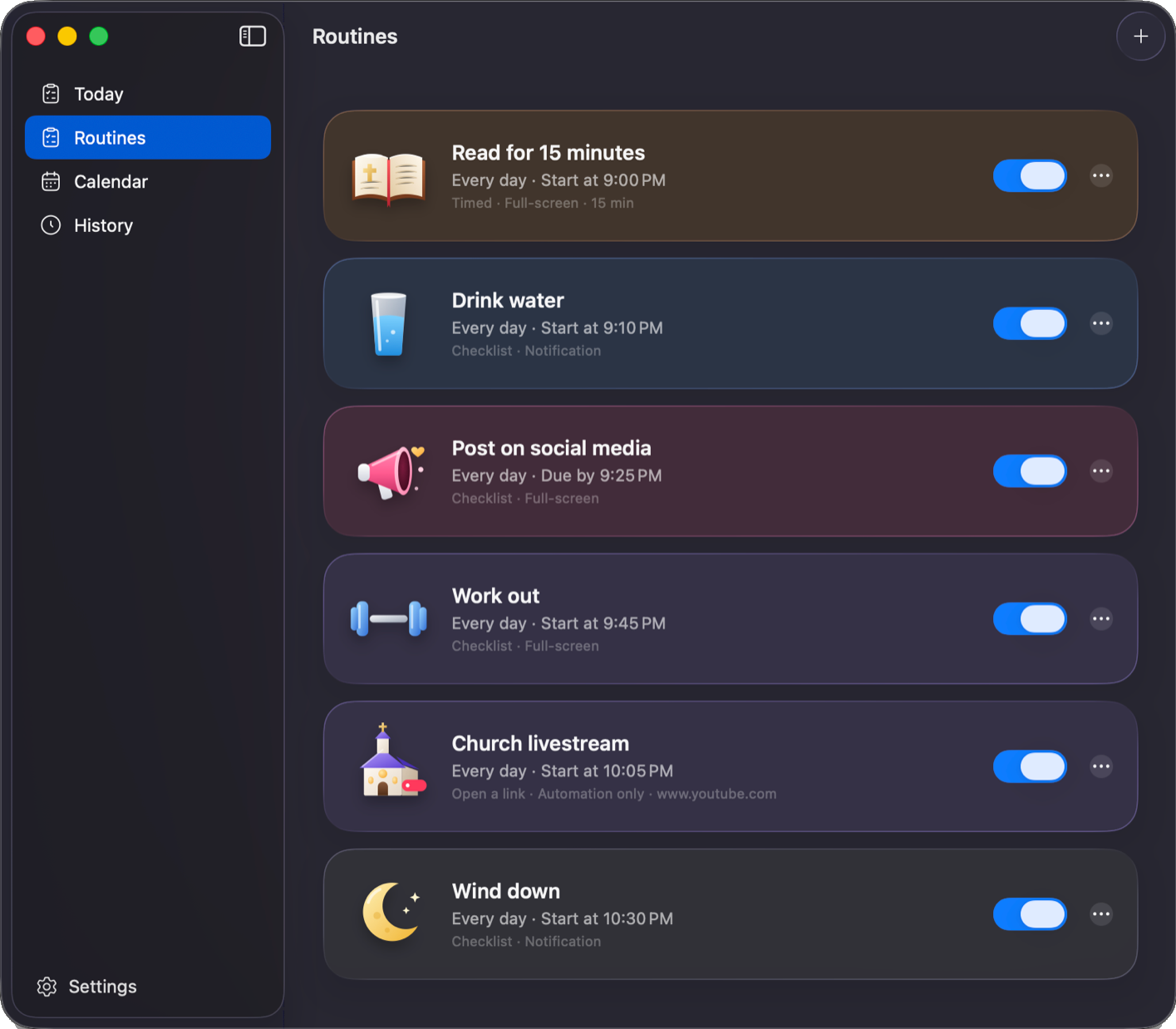
Every routine gets a time, days, a picture and a color.
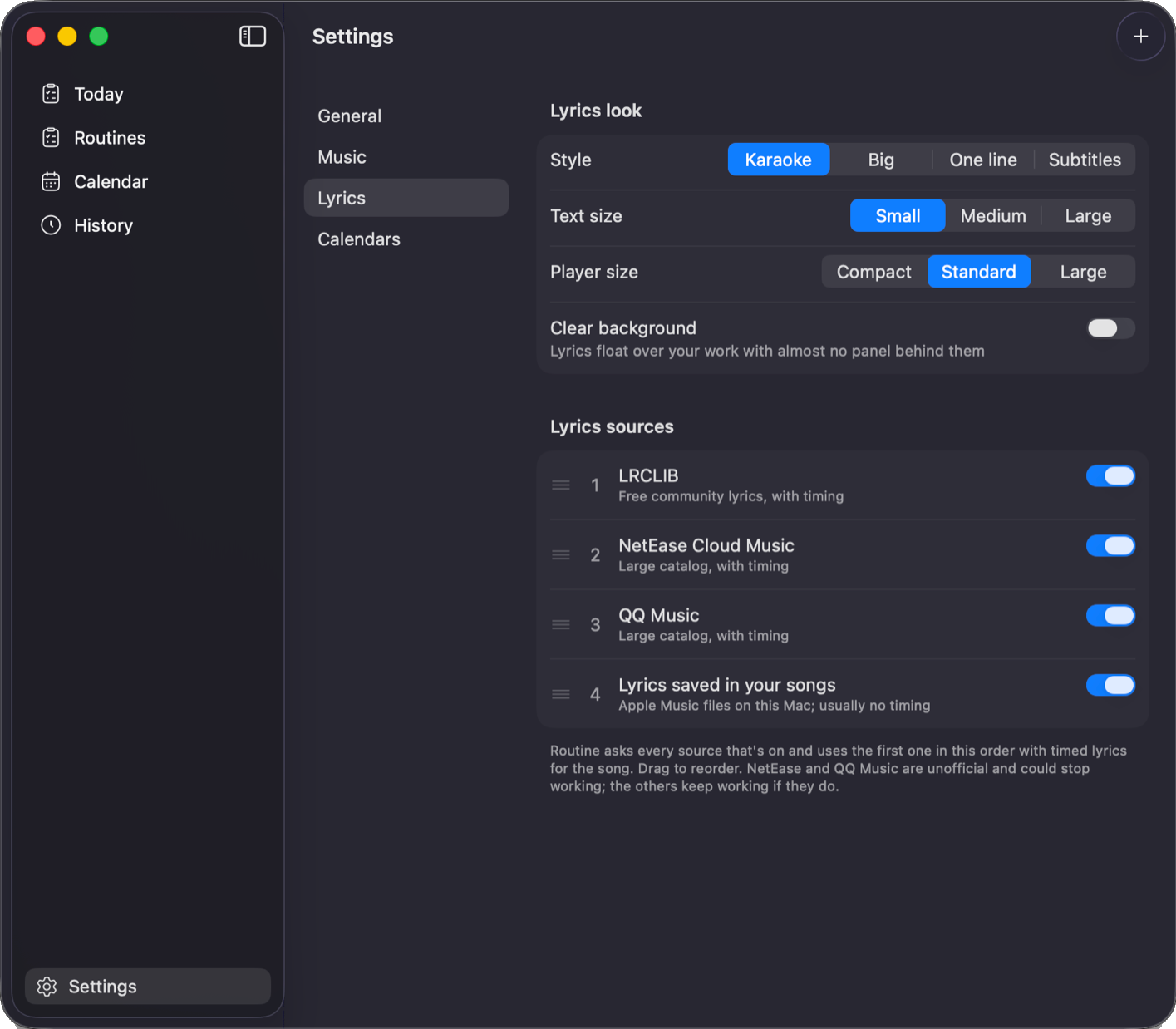
Choose where Routine appears, how loud reminders get, and how lyrics look.
Control Spotify and Apple Music from a player that never interrupts your typing.
See today at a glance: what's done, what's next and what you missed.
Free · macOS Tahoe or later, or Windows 10 and 11 (beta) · No account
Yes. There's no account, subscription or ads.
Your routines, history and work log stay on your computer. On the Mac, Routine reads your calendars only to find clashes and never changes them. To find lyrics, it sends the song title and artist to lyrics services. You can turn these off in Settings.
Apps from outside the App Store need a paid Apple certificate to open without a warning. Routine doesn't have one yet, so you allow it once in Privacy & Security.
Yes. Hold the exit button for 3 seconds, then tap a reason or type your own. This ends only the current break, and the reason is saved to your work log.
Yes, in beta. It has everything the Mac app does except calendar clash warnings, and it lives in the tray instead of the notch. Windows warns you the first time because the app isn't signed: click More info, then Run anyway.
Any Mac with macOS Tahoe or later. Notch features need a MacBook with a notch. Everything else works from the menu bar.
On the Mac, Spotify and Apple Music. On Windows, any app that shows in Windows' media controls, like Spotify, Apple Music or a browser. Lyrics come from lyrics services, so some songs may not have them.